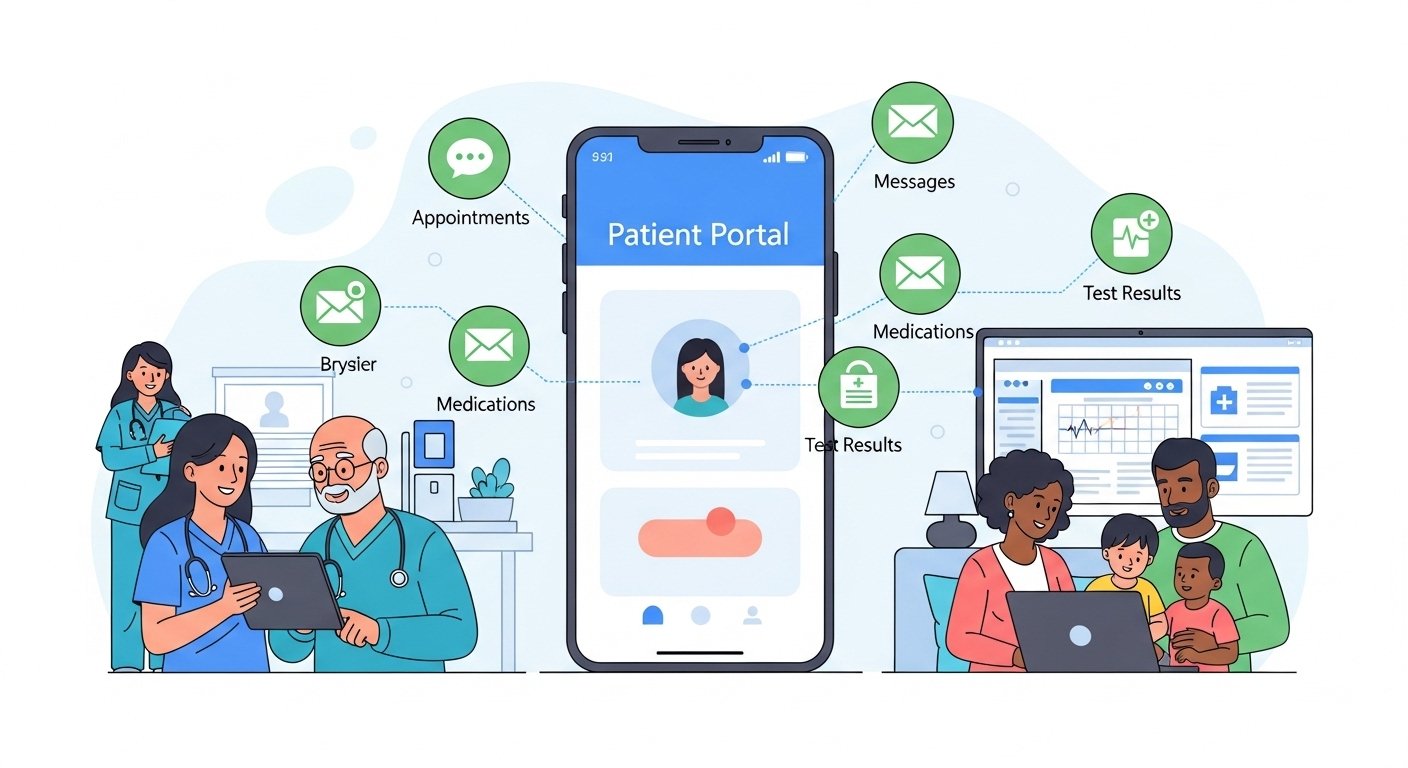

Patient portals — secure online platforms provided by healthcare organizations to give patients access to their health information and enable digital communication with their care team — have become standard infrastructure in most US healthcare settings. Despite their availability, many patients use portals minimally or not at all, missing significant opportunities for more engaged, efficient, and informed healthcare participation. This guide explains the features and optimal use of patient portals to maximize their health benefit.
Key Patient Portal Features
Health Records Access
Most portals provide access to your problem list (diagnoses), medication list, allergy list, immunization history, visit summaries, laboratory results (typically released after a brief review period), imaging reports, and increasingly, clinical notes from your providers. The 21st Century Cures Act requires that most health information be made available to patients without delay — this has significantly expanded the information accessible through portals.
Secure Messaging
Portal messaging enables asynchronous communication with your care team — asking non-urgent questions, requesting prescription refills, reporting stable symptom changes, and following up on care plan elements without calling the clinic. Clinical teams respond within their defined timeframes (typically 1–3 business days). Portal messaging is not appropriate for urgent concerns requiring immediate response — call the clinic or go to urgent care for time-sensitive issues.
Appointment Management
Scheduling, canceling, and rescheduling appointments; viewing upcoming appointments; receiving automated reminders; and completing pre-visit forms online — all through the portal. Pre-visit questionnaires completed digitally before appointments save time at check-in and improve visit efficiency.
Prescription Refills
Requesting medication refills through the portal — specifying the medication, dose, and preferred pharmacy — enables the care team to authorize refills at their convenience without requiring phone calls during busy clinical hours.
Conclusion
Patient portals are powerful tools for engaged healthcare participation — enabling access to your health information, direct communication with your care team, and administrative management of your healthcare without phone calls and waiting. Activate your portal account, familiarize yourself with its features, and use it consistently for appropriate communication and monitoring. The data in your portal tells the story of your health — knowing that story makes you a more informed and effective participant in your care.
FAQs – Patient Portals
Q1. How do I sign up for my clinic’s patient portal?
A: At your next clinic visit, ask the front desk staff to set up your portal account. You will typically receive an email invitation with setup instructions. Some portals allow self-registration through the portal website using information from your medical record.
Q2. Can I access my portal from a smartphone?
A: Yes. Most major EHR patient portals (MyChart, Cerner HealtheLife, Athena Patient Portal) have dedicated smartphone apps providing mobile access to the same features as the web portal. Apps often add features like mobile check-in and on-demand care options.
Q3. Is my portal information secure?
A: Healthcare portals are required to meet HIPAA security standards with encryption and access controls. Use strong, unique passwords, enable two-factor authentication if available, and avoid accessing your portal from unsecured public networks. Report any suspicious activity (unexpected password change requests, messages you didn’t send) to your clinic immediately.
Q4. What if I see something in my records that concerns me?
A: Send a portal message or call the clinic to discuss the concern. Do not attempt to interpret clinical notes without context — documentation language is often technical or may reflect preliminary findings that were later refined. Your care team can explain any concerning information and provide appropriate context.
Q5. Can family members access my patient portal?
A: You can authorize a proxy access for a trusted family member or caregiver — such as a parent managing a child’s portal or a family caregiver for an adult with limited capacity. Proxy access requires your explicit authorization and gives the designated person access to your records. Unauthorized family access to your portal would be a HIPAA violation.